The Bali Internet Gamble: Why eSIM is Non-Negotiable
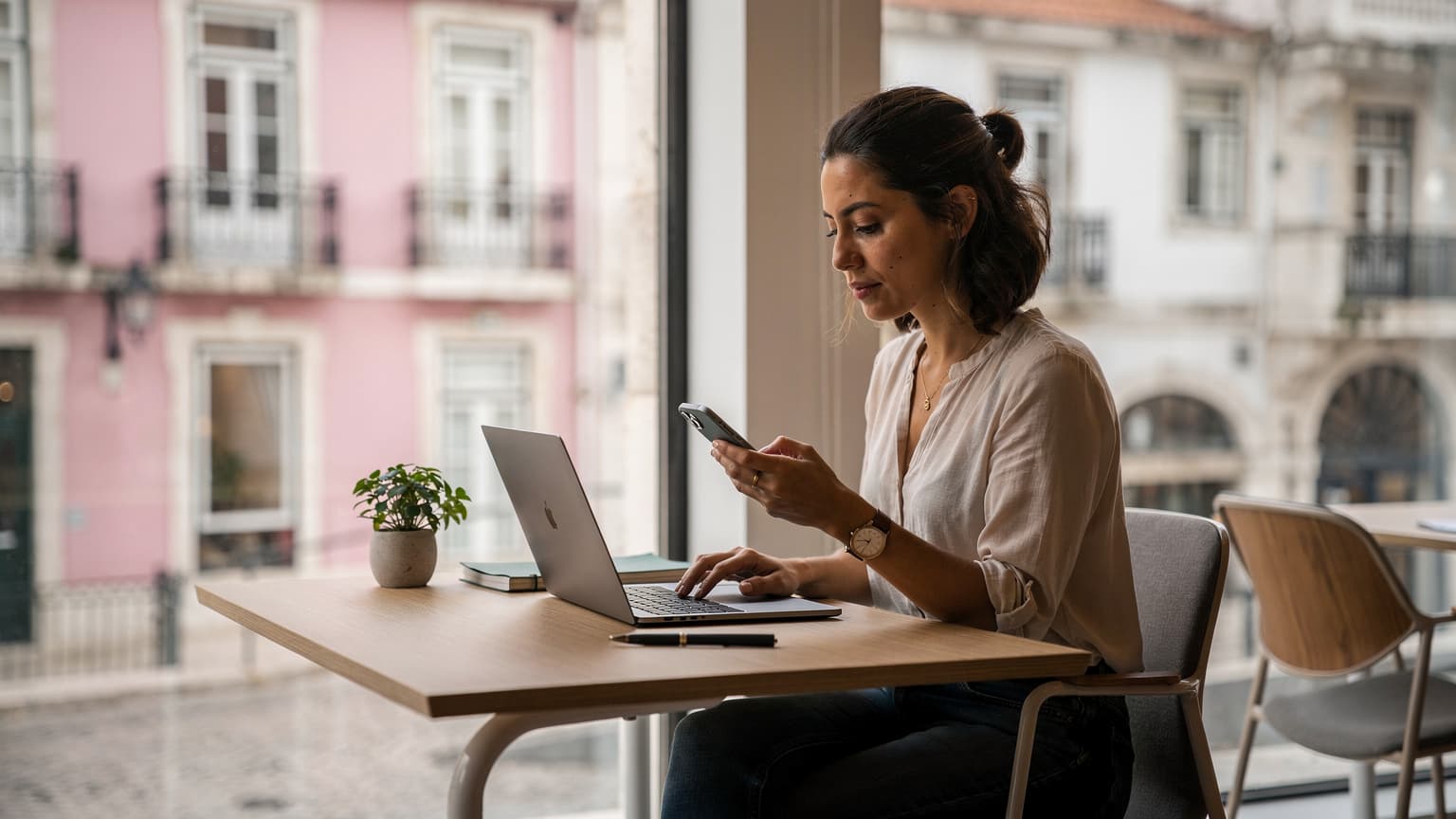
Look, I've been doing this for four years now, hopping from Medellín to Lisbon to Chiang Mai, and now, Bali. Each place has its quirks, but one constant remains: reliable internet is your oxygen. In Bali, specifically in the bustling digital nomad hub of Canggu, that oxygen supply can be… intermittent. You'll find yourself needing to tether during a crucial client call because the Wi-Fi at your villa or even your favorite café, like the popular Zest in Ubud or even the usually dependable Dojo Bali in Canggu, decided to take a nap. This isn't just an inconvenience, it's a threat to your income, your reputation, and frankly, your sanity. This is why an eSIM isn't just a nice-to-have, it's a non-negotiable part of your digital nomad toolkit.
The Myth of Ubiquitous Wi-Fi in Bali
Everyone talks about Bali's digital nomad scene, the rice paddies, the surf, the vibrant community. What they don't always mention is the precariousness of the internet. You can rent a decent villa for around 10-15 million IDR per month (about $650-$1000 USD, depending on the season and location, like Berawa or Pererenan), but even those often come with Wi-Fi that struggles with multiple users or unexpected outages. Cafés and co-working spaces try their best, but heavy usage, local infrastructure limitations, and even power cuts can bring things to a grinding halt. You can't afford to miss a standup or a critical deployment because the internet at your Airbnb decided to flake out. I've seen it happen countless times, people scrambling to find a new spot, losing precious minutes or even hours.
What Happens When Your Connection Drops Mid-Call
Imagine this: you're presenting a new feature to a client in New York, it's 8 AM Bali time, and suddenly, your screen freezes. That familiar Wi-Fi symbol turns into a sad, empty globe. Panic. Pure, unadulterated panic. With an eSIM, you've got a backup plan. Your phone instantly switches to cellular data, and you're back online, often before your client even notices the stutter. It's the digital equivalent of an emergency parachute. This kind of seamless failover is crucial for anyone whose livelihood depends on constant connectivity, which, let's be honest, is most of us these days.

Understanding Bali's Connectivity Landscape: Local SIM vs. eSIM
When you first land in Denpasar, you'll be bombarded with offers for local SIM cards. Telkomsel, XL Axiata, Indosat Ooredoo – these are the big players here. And yes, a physical local SIM can give you good coverage, especially with Telkomsel, which generally has the widest reach, even out in more remote areas. However, there are significant hurdles to getting one set up. For instance, some local apps, particularly banking apps (like certain Indonesian e-wallets or ride-hailing services like Gojek and Grab, which are essential for daily life here), might require a locally registered SIM. If you're staying for a while, you'll eventually want a local number for those, but for immediate, reliable data, an eSIM is often the smoother path.
The Hassle of Physical SIMs in Indonesia
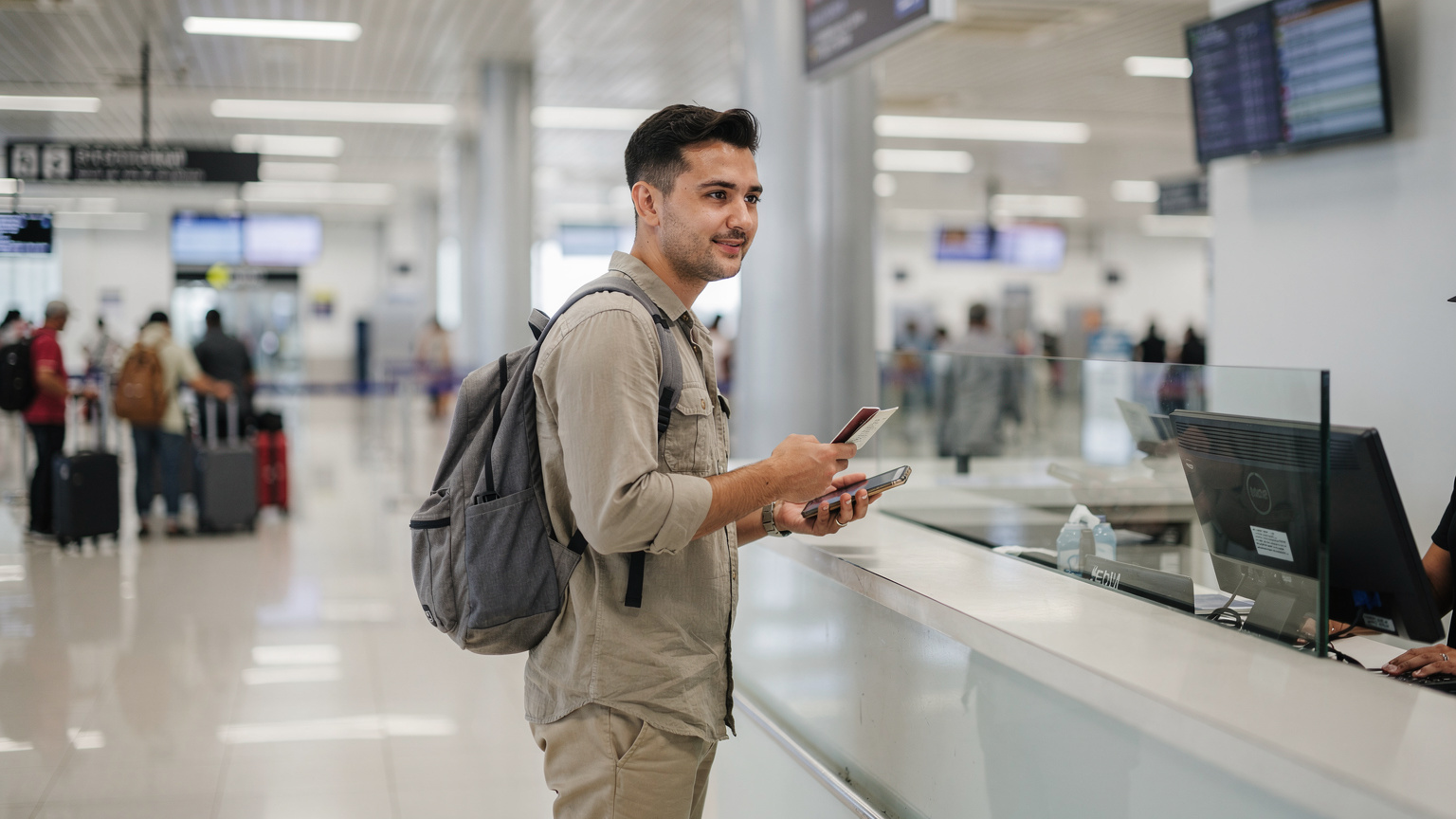
Getting a local SIM in Indonesia as a foreigner can be a bit of a bureaucratic dance. You often need to register it with your passport, and there are limitations on how long it stays active without extending your visa. For a long time, there was also an IMEI registration requirement for phones purchased outside Indonesia, which meant if you brought your own device, it might not work with a local SIM after a certain period unless you paid a hefty tax. While this has become less stringent for short-term visitors, it's still a headache you don't need when you just landed after a 20-hour flight. Plus, having to physically swap SIM cards every time you cross a border or want to switch providers? That gets old, fast.
The eSIM Advantage: Instant Activation and Flexibility
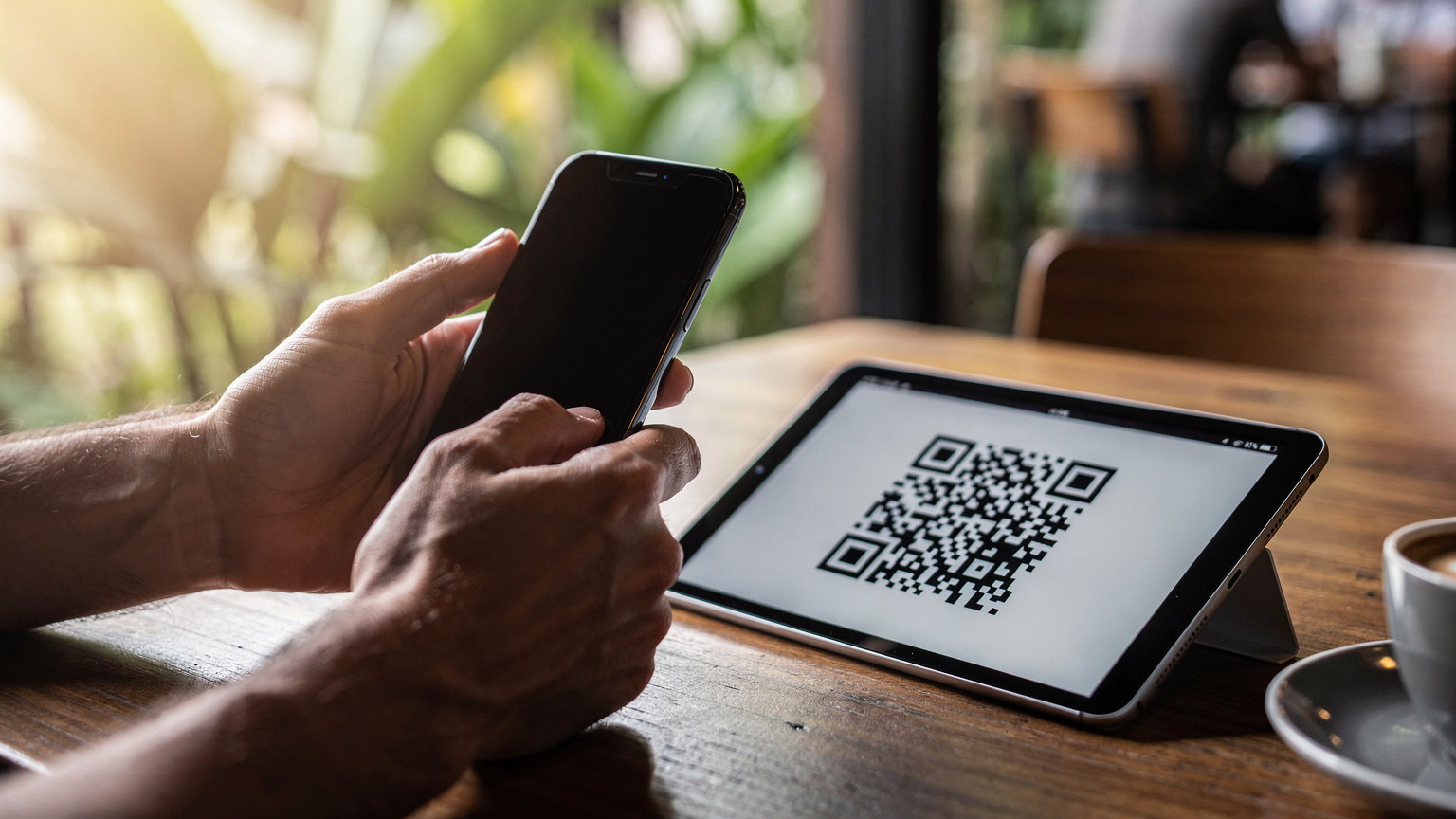
This is where eSIMs shine. You buy a plan online, scan a QR code, and boom, you're connected. No physical cards, no registration queues, no worrying about losing your home SIM. For anyone who moves between countries every few months, like me, the ability to switch plans with a tap is invaluable. I can land in a new country, have my data ready to go, and navigate to my accommodation without fumbling for Wi-Fi passwords or dealing with airport kiosks. It saves time, stress, and allows you to keep your primary SIM active for calls and texts from home, a dual-SIM setup that's essential for maintaining connections with family and home-country banks. For a deeper dive into how this tech works on your device, check out this guide on eSIM for iPhones, Seamless Global Connectivity.
Picking the Right eSIM Plan for Your Nomadic Lifestyle
Not all eSIM plans are created equal, especially for digital nomads. You're not a tourist who needs a few gigs for social media; you're running a business. That means you need robust data allowances, good coverage, and often, multi-country options. I've learned the hard way that a cheap plan with spotty coverage is more expensive in the long run when you miss deadlines. Consider your actual data usage. If you're doing daily video calls, uploading large files, and streaming, you'll need significantly more data than someone who just checks email.
Data Allowance: What You Really Need
Most basic tourist eSIM plans offer 1-5GB. For a digital nomad, that's maybe a day or two's work. Seriously. A typical video call can chew through hundreds of MBs per hour. If you're on a team that does daily standups and frequent client meetings, you're looking at 10-20GB a month easily, often more if you're not always on Wi-Fi. I generally aim for at least 30GB plans if I'm relying heavily on cellular, or unlimited if available and reasonably priced. Always err on the side of more data. Running out mid-month is a nightmare.
Coverage and Speed: Crucial for Productivity
In Bali, the main carriers like Telkomsel generally offer good 4G/LTE coverage in populated areas like Canggu, Seminyak, Ubud, and Denpasar. When choosing an eSIM, check which local network it partners with. Plans that utilize Telkomsel's network tend to be more reliable. Speed is also paramount. You need stable speeds for video conferencing, not just browsing. Look for plans that advertise at least 20-30 Mbps download speeds, which is usually sufficient for most remote work tasks. Below is a comparison of typical speeds you might encounter with different providers in Bali (though eSIMs will often leverage these same underlying networks).
| Carrier (Local) | Typical Coverage Area | Advertised 4G/LTE Speed | Estimated Monthly Cost (Local SIM) |
|---|---|---|---|
| Telkomsel | Widest, including rural areas | Up to 70 Mbps | ~150,000-250,000 IDR for 25-50GB (~$10-17 USD) |
| XL Axiata | Good in urban/tourist zones | Up to 50 Mbps | ~100,000-200,000 IDR for 20-40GB (~$7-14 USD) |
| Indosat Ooredoo | Decent in urban/tourist zones | Up to 40 Mbps | ~90,000-180,000 IDR for 15-30GB (~$6-12 USD) |
Regional and Global eSIM Plans for the True Nomad
If you're like me and your "Bali trip" is just one stop on a multi-country adventure, a regional or global eSIM plan can be a lifesaver. Instead of buying a new local SIM or eSIM for every country, you can get one that covers Southeast Asia, or even wider. This is incredibly convenient, as it means you're connected the moment you land in Thailand, Vietnam, or Malaysia, without any setup time. Of course, these plans might be slightly pricier per GB than a hyper-local option, but the convenience and peace of mind are often worth the premium. It also helps with visa runs, where you might quickly hop across a border for a day or two and need immediate connectivity. If you're looking at a different region, like planning a long stay in South America, you might want to look at how eSIM streamlines your application and connectivity for Ecuador residency.
Setting Up Your eSIM: A Step-by-Step Guide for Digital Nomads
The beauty of an eSIM is its straightforward setup. Gone are the days of fiddling with tiny SIM trays and losing your home SIM. Most modern smartphones, especially iPhones from the XR onwards and many newer Android flagships, support eSIM technology. If you're unsure if your device is compatible, a quick check of your phone's settings or the manufacturer's website will confirm it. I've helped countless friends in WhatsApp groups get set up, and it's almost always smooth sailing.
Purchasing and Activating Your eSIM
The process is generally consistent across providers. Here’s how it usually goes down:
- Choose Your Plan: Decide on a data package that suits your needs for Bali (or your next destination). Consider validity period, data allowance, and coverage.
- Purchase Online: Complete the purchase on the provider's website. You'll usually receive an email with a QR code or manual activation details.
- Scan the QR Code: On your smartphone, go to Settings > Cellular/Mobile Data > Add eSIM (or similar wording). Use your camera to scan the QR code provided in the email.
- Follow On-Screen Prompts: Your phone will guide you through naming the eSIM (e.g., "Bali Work"), setting it as your primary data line, and configuring data roaming settings. Make sure data roaming is enabled for your eSIM if you want to use it upon arrival.
- Arrive Connected: Once you land in Bali, your eSIM should automatically connect to the local network. If not, a quick restart of your phone often does the trick.
Managing Multiple eSIMs and Your Primary Line
One of the biggest perks for nomads is the ability to manage multiple eSIM profiles. My iPhone regularly has 3-4 eSIMs loaded, one for my home country, one for a regional plan, and a couple of country-specific ones I've used recently. You can easily switch between them in your phone's settings, designating which one is active for data, calls, and texts. This means you can keep your home number active for important two-factor authentication codes (some banking apps, especially in places like Brazil or India, absolutely demand a local SIM for certain operations, but for most international services, your home number is fine) while using a local eSIM for data in Bali. It's a game-changer for avoiding roaming charges and staying connected seamlessly. If you're an AT&T customer, this flexibility can save you a bundle, as detailed in AT&T eSIM Abroad: Navigating Your iPhone's Data Without Roaming Shocks.
Troubleshooting Common eSIM Issues on the Go
Even with the best preparation, things can go sideways. It's the nomad life, after all. But don't sweat it too much; most eSIM issues are easily fixable. I've run into my fair share of connectivity hiccups, usually in the most inconvenient moments, like trying to order a Gojek food delivery during a sudden downpour.
No Service or Slow Data: Quick Fixes
If your eSIM isn't connecting or data is painfully slow, here are the first things to try:
- Restart Your Phone: The oldest trick in the book, but often the most effective. It forces your phone to re-register with the network.
- Check Data Roaming: Ensure data roaming is enabled for your eSIM in your phone's cellular settings. This is a common oversight.
- Verify APN Settings: Sometimes, the Access Point Name (APN) needs to be manually configured. Your eSIM provider will usually give you this information. Go to Settings > Cellular/Mobile Data > (Your eSIM) > Cellular Data Network and input the correct APN.
- Toggle Airplane Mode: Turning airplane mode on and off can reset your cellular connection.
- Check for Outages: Local network issues happen. Ask a local or check social media for reports of carrier outages.
Contacting Support When All Else Fails
If you've tried everything and still have no luck, it's time to contact your eSIM provider's support. Good providers offer 24/7 support via chat or email, which is crucial when you're in a different time zone. Before contacting them, gather essential information like your eSIM profile details, your device model, and any error messages you're seeing. This speeds up the troubleshooting process considerably. Remember, a reliable eSIM provider should have a responsive support team ready to assist, because when your internet is down, your work is down.
Integrating eSIM with Your Digital Nomad Tech Stack
Your eSIM isn't just a standalone service; it's a critical component of your overall mobile office. It powers your communication, navigation, and collaboration tools. Think of it as the invisible backbone of your digital life on the road.
Tethering and Hotspot: Your Mobile Office
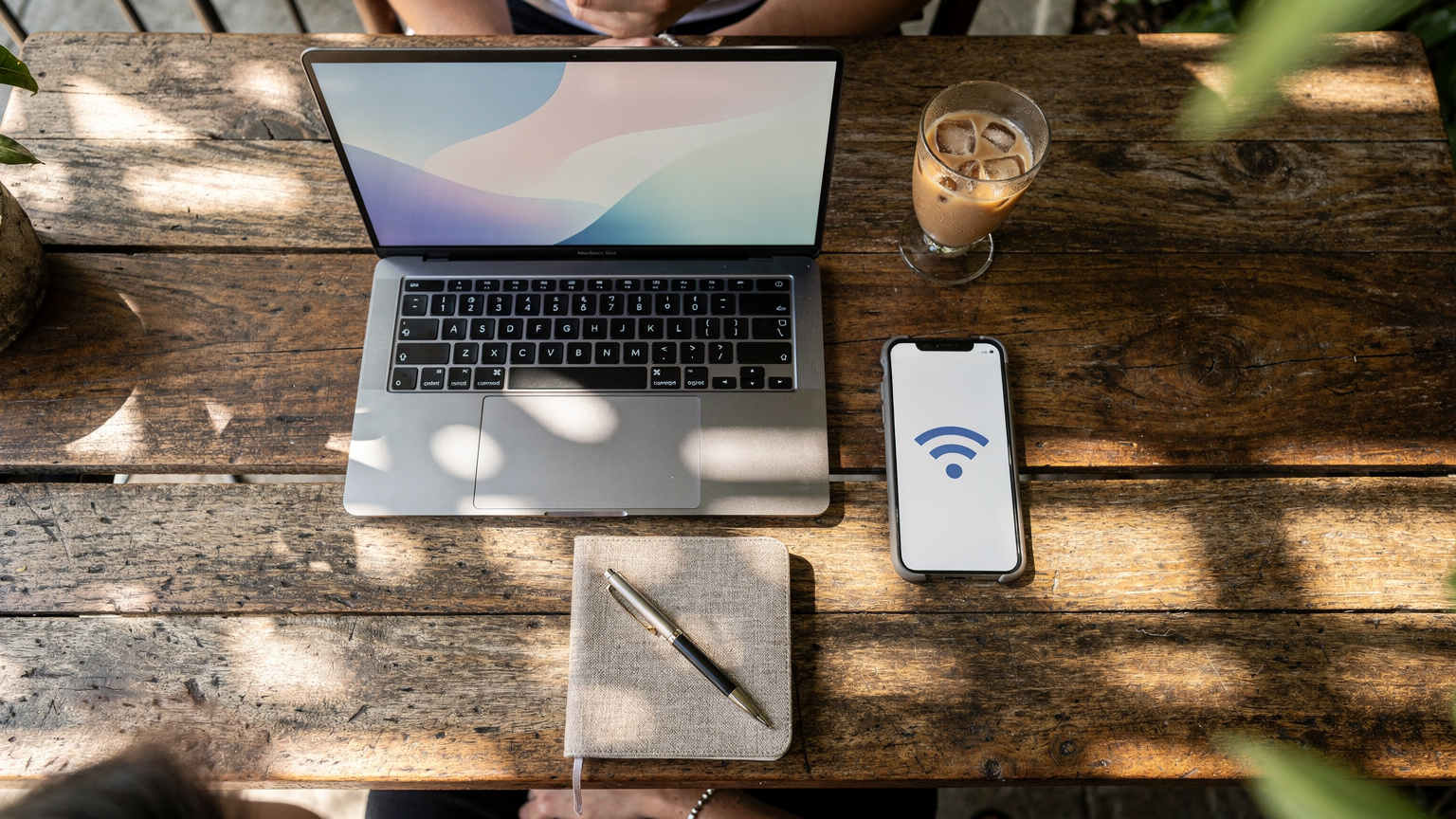
This is where the eSIM truly shines for productivity. When the Wi-Fi at your villa or a local café (like the often crowded but reliable Milk & Madu in Canggu) is struggling, your eSIM-powered phone becomes your personal hotspot. I've tethered my laptop, tablet, and even a second phone to my eSIM data during critical moments. It's the ultimate safety net. Just be mindful of your data allowance, as tethering can consume data rapidly, especially with video calls. Always keep an eye on your data usage monitor in your phone settings.
Essential Apps That Thrive on eSIM Connectivity
Having consistent data unlocks the full potential of your nomad apps:
- Communication: Slack, Zoom, Google Meet, WhatsApp. These are the lifeblood of remote teams. A stable connection ensures your calls are clear and messages send instantly.
- Navigation: Google Maps, Grab (for ride-hailing and food delivery in Southeast Asia). Getting around Bali and ordering food without Wi-Fi is essential.
- Productivity: Google Drive, Dropbox, Notion. Cloud-based work relies entirely on robust internet.
- Banking and Finance: Your banking apps, Wise, Revolut. Accessing your finances securely, wherever you are, is non-negotiable. Remember, some local banking apps in certain countries might require a local SIM, but for international banking and transfers, your eSIM's data connection is what matters.
Cost of Connectivity: eSIM Data vs. Local Data Plans
The cost equation for digital nomads is usually a balance between convenience, reliability, and price. While local physical SIMs can sometimes be slightly cheaper per gigabyte, the hidden costs of time, effort, and potential connectivity failures often make eSIMs the more economical choice in the long run.
The True Cost of Unreliable Internet
Think about what a lost hour of work costs you. If you charge $50/hour, that's $50 down the drain for a single internet outage. Missed deadlines, frustrated clients, the stress of constantly searching for a stable connection – these are all hidden costs that far outweigh the slight price difference between a local SIM and a premium eSIM plan. My average cost of living in Canggu, excluding rent (which, as mentioned, is around $650-1000/month), usually hovers around $800-1200 USD per month for food, transport (scooter rental is about $50-70/month), and leisure. Adding $20-40 for a reliable eSIM plan is a small price to pay for uninterrupted work.
Comparing eSIM and Local SIM Pricing
Let's break down some typical pricing scenarios. Keep in mind these are averages and can fluctuate.
| Type of Plan | Data Allowance | Validity | Approx. Price (USD) | Pros | Cons |
|---|---|---|---|---|---|
| Local Physical SIM (Telkomsel) | 25-50 GB | 30 days | $10-17 | Cheapest per GB, local number | Registration hassle, IMEI issues, physical swap, less flexible for multi-country |
| Regional eSIM (e.g., Southeast Asia) | 10-20 GB | 30 days | $25-45 | Convenient for hopping countries, instant activation, keep home SIM | Higher cost per GB, less data than local SIM |
| Country-Specific eSIM (Indonesia) | 10-30 GB | 7-30 days | $15-35 | Instant activation, keep home SIM, good for specific country focus | Slightly more expensive than local SIM, single country use |
Beyond Bali: eSIM for Multi-Country Hopping
The true power of eSIM technology is unleashed when you're a true nomad, constantly moving between borders. Bali might be home for a few months, but what about Thailand next? Or Vietnam? The friction of getting connected in each new country used to be a significant logistical headache.
Seamless Transitions Across Southeast Asia
With a regional eSIM, my arrival ritual has changed dramatically. I no longer spend time hunting for a SIM card vendor at the airport or trying to decipher local data plans. My phone automatically connects, and I can immediately call my Grab driver or find my Airbnb. This seamless transition is priceless. It removes a layer of stress from travel that, after four years, I'm very happy to shed. It’s an efficiency hack that every long-term traveler should adopt.
The Value of Flexibility for Visa Runs and Short Stays
Sometimes you need to pop out of a country for a few days for a visa run, say from Indonesia to Singapore or Malaysia. With an eSIM, you don't need to worry about buying a temporary local SIM for that short period. Your regional plan, or even a global eSIM plan, will cover you. This saves both money and time, especially when you're only in a country for 24-48 hours. It also helps manage data for shorter trips, like my recent Annapurna trek, where I needed reliable data for safety and communication, as detailed in Annapurna Expedition: Pixel 9 eSIM Setup for Nepal Treks 2026.
The Long-Term Play: eSIM and Digital Nomad Residency
As more countries introduce digital nomad visas, the question of long-term connectivity becomes even more relevant. While an eSIM is fantastic for flexibility, a long-term stay might eventually warrant a local physical SIM for certain bureaucratic necessities, like setting up a local bank account or registering for local services, which often require a local number.
Balancing eSIM Flexibility with Local Requirements
For me, the ideal setup involves a combination: an eSIM for reliable, immediate data upon arrival and for travel between countries, and a local physical SIM (once the paperwork is manageable) for any country-specific apps or services that demand a local number. This hybrid approach gives you the best of both worlds – the freedom and flexibility of eSIM, combined with full integration into local infrastructure when needed. It’s about being pragmatic. You don't want to get stuck trying to verify a payment on a local e-wallet app if it refuses to send an SMS to your non-local number.
Future-Proofing Your Connectivity Strategy
The world of connectivity is constantly evolving. eSIMs are becoming more prevalent, with more devices supporting them and more providers offering competitive plans. Staying informed about the latest options, like those discussed in Nomad vs. Truly Roaming: Which eSIM Best Serves Digital Nomads in 2026?, is key to maintaining a robust and cost-effective connectivity strategy as a digital nomad. My advice? Always have a backup plan. Always prioritize reliable data. And never underestimate the value of peace of mind when your work depends on it.
Frequently Asked Questions
Is Bali's Wi-Fi reliable enough for digital nomads?
Bali's Wi-Fi, even in popular areas like Canggu, can be inconsistent and prone to outages. While many cafes and co-working spaces offer Wi-Fi, it often struggles with heavy loads or local infrastructure issues, making an eSIM a crucial backup for stable work connectivity.
Why should a digital nomad choose an eSIM over a local SIM in Bali?
An eSIM offers instant activation upon arrival, avoids the hassle of physical SIM registration and IMEI issues for foreign phones, and allows you to keep your home SIM active for important communications. It provides immediate, reliable data essential for work without administrative delays.
How much data do I need on my eSIM for digital nomad work in Bali?
For typical digital nomad work involving daily video calls, cloud-based tasks, and general browsing, you'll need at least 20-30GB per month. If you tether frequently or upload large files, consider plans with 50GB or unlimited data to avoid running out.
Can I use my eSIM for tethering my laptop in Bali?
Yes, an eSIM-enabled smartphone can be used as a personal hotspot to tether your laptop or other devices. This is a critical feature for digital nomads, providing a reliable internet connection when local Wi-Fi is weak or unavailable, ensuring you stay productive.
What happens if my eSIM stops working in Bali?
First, try basic troubleshooting: restart your phone, check data roaming settings, and verify APN settings. If issues persist, contact your eSIM provider's customer support. They can often resolve connectivity problems quickly, especially with 24/7 chat support.
Do I need a local SIM for any specific apps in Indonesia?
Yes, some local Indonesian apps, particularly banking apps or essential services like Gojek and Grab, may require a locally registered physical SIM for full functionality or account verification. For these specific cases, a local SIM might eventually be necessary for long-term integration.